Running out of balance at the wrong moment can disrupt your daily communication and internet usage. If you’re a Zong user in Pakistan, knowing the Zong balance check code number helps you stay connected without unexpected interruptions. Whether you need to make an urgent call, send important messages, or browse the internet, keeping track of your remaining balance ensures you’re always prepared.
Zong offers multiple convenient methods to check your account balance—from simple USSD codes to mobile apps and helpline calls. This comprehensive guide walks you through every method available, ensuring you can access your balance information anytime, anywhere. Let’s explore the quickest and most efficient ways to monitor your Zong account.
Table of Contents
What is the Zong Balance Check Code Number?
The official Zong balance check code number is a simple USSD code that provides instant access to your account information. This free service works on all Zong connections, whether you’re using prepaid or postpaid services.
Dial *222# to Instantly Check Your Zong Balance
Using the Zong USSD code is the fastest method to check your remaining balance. Here’s how to use it:
Step-by-Step Instructions:
- Open your phone’s dialer application
- Type *222# exactly as shown
- Press the call button
- Wait 2-3 seconds for the response
- Your screen will display your current balance, validity period, and account status
The Zong balance check process takes only seconds and doesn’t require internet connectivity. This makes it the most reliable method, especially in areas with poor data coverage. The code works 24/7, allowing you to check your account balance whenever needed.
Important Note: This Zong account balance code is completely free and doesn’t deduct any charges from your balance.
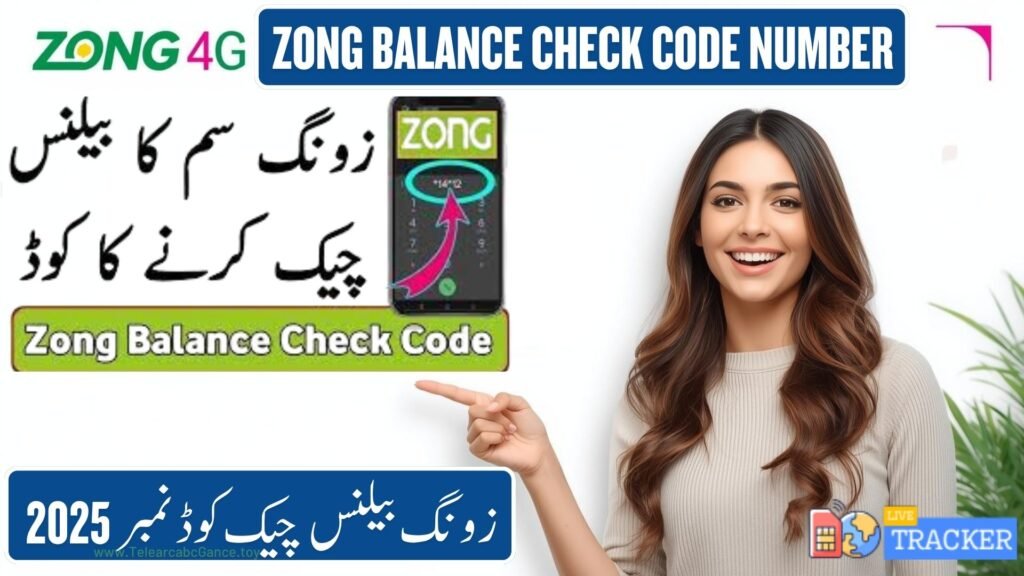
Alternative Ways to Check Zong Balance
While the USSD code remains the quickest option, Zong provides several alternative methods that offer additional features and convenience.
3.1 Check Zong Balance via My Zong App
The My Zong app transforms balance checking into a comprehensive account management experience. This official application provides detailed insights beyond just your remaining balance.
How to Use the My Zong App:
- Download “My Zong” from Google Play Store or Apple App Store
- Install and open the application
- Log in using your Zong number (OTP verification required)
- Your dashboard displays your balance prominently
- Access additional information like data usage, active packages, and exclusive offers
Benefits of Using the App:
- View real-time data consumption
- Check SMS and call package details
- Subscribe to new packages instantly
- Track transaction history
- Receive personalized offers and promotions
- Recharge your account directly
The Zong balance check using app method is ideal for users who prefer a visual interface with comprehensive account information. The app updates in real-time, ensuring accuracy.
3.2 Check Zong Balance Through SMS or Call
For users who prefer traditional communication methods, Zong offers helpline-based balance inquiry services.
Call Method:
- Dial 310 from your Zong number
- Navigate through the IVR menu
- Select the balance inquiry option
- Listen to your current balance announcement
Note: Calling 310 may incur standard call charges unless you’re on a package with free helpline calls.
The Zong balance check by call option proves useful when your phone doesn’t support USSD codes or when you prefer voice-based information.
3.3 Check Zong Balance Without Code
Some users prefer accessing their balance information through web-based platforms rather than codes.
Online Portal Method:
- Visit the official Zong website
- Navigate to the customer portal section
- Log in with your credentials
- Access your account dashboard
- View your balance and other account details
This Zong online balance check method works best when you have internet access and prefer managing your account through a computer or tablet.
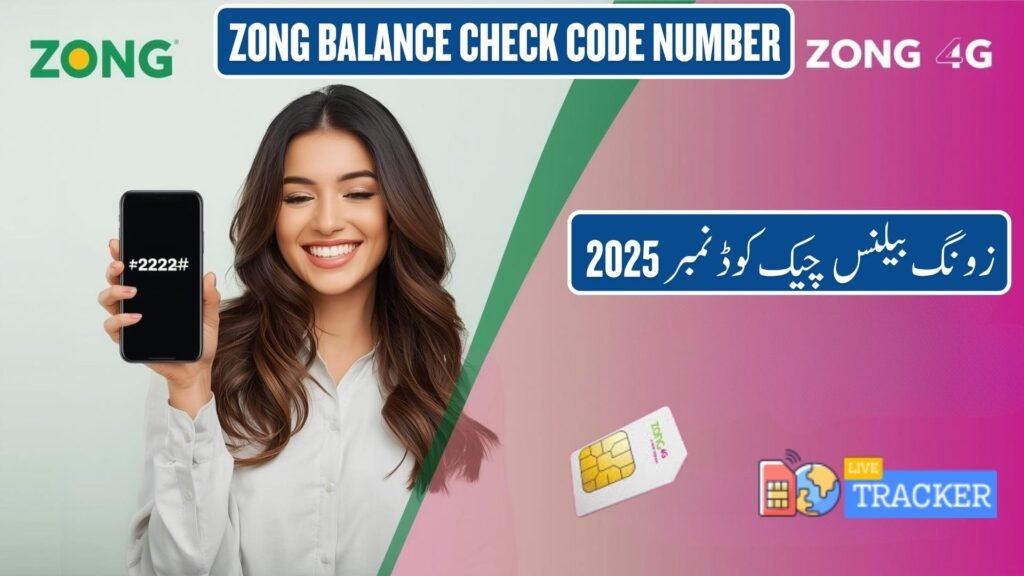
Zong Prepaid and Postpaid Balance Check Methods
Understanding the difference between prepaid and postpaid balance checking helps you use the right method for your connection type.
Prepaid Users:
Prepaid customers can use the standard *222# code to check their remaining balance instantly. This shows:
- Current balance amount
- Account expiry date
- Active packages
- Available minutes and SMS
Postpaid Users:
Postpaid subscribers can also dial *222#, but their display shows:
- Current bill amount
- Due date
- Payment status
- Additional charges if any
Both connection types benefit from the same simple Zong balance inquiry code, making it universally accessible across all Zong services.
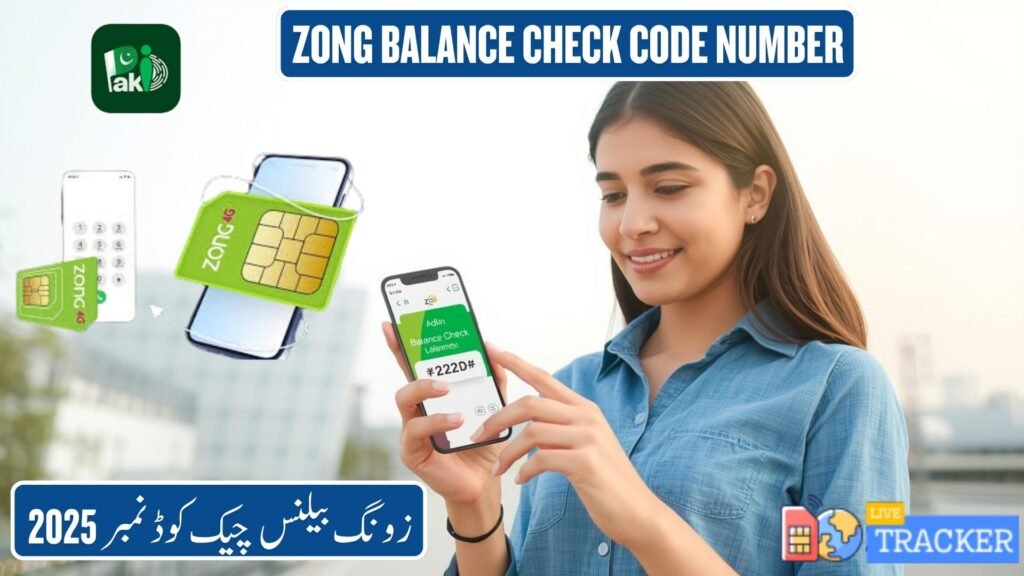
Common Zong USSD Codes You Should Know
Beyond balance checking, Zong offers numerous USSD codes for various services. Here’s a comprehensive table of essential codes:
| Purpose | Zong Code | Description |
|---|---|---|
| Balance Check | *222# | View current balance and validity |
| Internet Data Check | *102# | Check remaining data MB/GB |
| Call & SMS Packages | *310# | Browse available packages |
| Recharge | *101*PIN# | Recharge using scratch card |
| Number Check | *8# | View your Zong number |
| Balance Share | *828# | Share balance with other Zong users |
| Loan Service | *123# | Request advance balance |
| Stop Subscription | *6699# | Unsubscribe from services |
These codes enhance your Zong experience by providing quick access to essential services without requiring internet connectivity or app downloads.
Troubleshooting: Zong Balance Check Not Working
Occasionally, you might encounter issues when trying to check your balance. Here are common problems and their solutions:
Problem 1: No Response After Dialing *222#
Solutions:
- Ensure you have adequate network coverage
- Check if your SIM card is properly inserted
- Restart your phone and try again
- Remove and reinsert your SIM card
- Wait a few minutes and retry
Problem 2: Error Message Displayed
Solutions:
- Verify you’re dialing the correct code (*222#)
- Check if your account is active
- Ensure your SIM isn’t blocked due to non-payment
- Contact Zong customer support at 310
Problem 3: Delayed Response
Solutions:
- Network congestion might cause delays
- Try checking during off-peak hours
- Use alternative methods like the My Zong app
- Switch to a different location with better signal
Problem 4: Incorrect Balance Display
Solutions:
- Wait a few minutes for system updates
- Recent transactions might take time to reflect
- Restart your device
- Cross-verify using the My Zong app
If problems persist after trying these solutions, contact Zong customer support at 310 or visit the nearest Zong franchise for technical assistance.
Conclusion
Staying informed about your mobile balance has never been easier with Zong’s multiple checking methods. You can easily check your balance anytime using the official Zong balance check code number (*222#) or other convenient methods like the My Zong App, customer helpline, or online portal. Each method offers unique advantages—the USSD code provides instant results, the app offers comprehensive account management, and the helpline gives voice-based assistance.
For the quickest results, we recommend using *222# as your primary method while keeping the My Zong app installed for detailed account insights. Regular balance monitoring helps you avoid service interruptions and manage your mobile expenses effectively. Whether you’re a prepaid user tracking daily usage or a postpaid subscriber monitoring monthly bills, these tools ensure you’re always in control of your Zong account.
Bookmark this guide for future reference and share it with fellow Zong users who might benefit from these balance checking methods. Stay connected, stay informed!
FAQs
Q1: What is the Zong balance check code number? The official Zong balance check code is *222#, which works for both prepaid and postpaid users.
Q2: How to check Zong balance without dialing code? Download the My Zong app, log in with your number, and view your balance on the dashboard instantly.
Q3: Can I check Zong balance online? Yes, visit the Zong customer portal website, log in with your credentials, and access your account balance.
Q4: Is the Zong balance check code free? Yes, dialing *222# is completely free and doesn’t deduct any charges from your account balance.
Q5: How often can I check my Zong balance? You can check your balance unlimited times throughout the day without any restrictions or charges.